
How to Write an ATS-Friendly Resume That Gets Noticed
Applicant tracking systems scan your resume before many recruiters ever see it. Here's how to format, keyword-match, and write your resume so it gets through the screen and still impresses a real person.
On this page
An ATS-friendly resume is not a resume written for a robot. It is a resume that is easy for applicant tracking systems to read and easy for recruiters to understand. That distinction matters.
A lot of job seekers hear "ATS" and assume they need to stuff their resume with keywords, hide white text, or use some secret trick to beat the system. That is not the goal.
The real goal is simpler: make your resume clear, relevant, searchable, and convincing. Your resume should help the software understand your experience, then help the recruiter quickly see why you are worth interviewing.
1. What an ATS actually does
An applicant tracking system, or ATS, is software companies use to collect, organize, search, and review job applications. Depending on the company and system, an ATS may help with:
- Storing applications and parsing resume text into fields
- Searching for keywords
- Ranking or filtering candidates
- Organizing recruiter workflows and tracking interview stages
- Keeping hiring records
The ATS does not replace every recruiter. But it can affect whether your resume is easy to find, easy to read, and easy to match against the role. If your resume has confusing formatting, missing keywords, vague job titles, or unclear experience, it may never get the attention it deserves.
"The best ATS resume is not tricked into relevance. It makes your real relevance impossible to miss."
— ResumeShine Career Guide
2. ATS-friendly does not mean boring
A common mistake is thinking ATS-friendly means plain, ugly, or lifeless. That is not true.
An ATS-friendly resume can still be polished and modern. It just needs to avoid formatting choices that make the content hard to parse. Good ATS-friendly design uses clear section headings, consistent spacing, readable fonts, simple bullet structure, strong hierarchy, clean margins, minimal decorative elements, and no important text hidden inside images.
The resume can look beautiful. It just cannot rely on design tricks that confuse software.
Machine-readable
- Clean headings
- Text-based content
- Simple structure
- Relevant keywords
Human-readable
- Strong bullets
- Measurable impact
- Clear story
- Polished layout
Your resume needs to work for both screens: software first, recruiter second.
3. Use a clean resume structure
ATS systems and recruiters both prefer resumes with predictable structure. Use standard section headings like Contact Information, Professional Summary, Skills, Work Experience, Education, Certifications, Projects, and Volunteer Experience.
Avoid overly clever headings like "My Journey," "Where I've Made Magic," or "Things I'm Great At." Those may sound more creative, but they can make the resume harder to scan.
Recommended resume order
Most professionals
- Contact information
- Professional summary
- Skills
- Work experience
- Education
- Certifications / projects
Early-career
- Contact information
- Summary or objective
- Education
- Projects
- Experience
- Skills & certifications
Career changers
- Contact information
- Targeted summary
- Relevant skills
- Relevant projects
- Work experience
- Education / certifications
4. Match the job description honestly
The job description is the best guide for what your resume should emphasize. Before applying, read it and identify required skills, repeated keywords, tools and platforms, core responsibilities, target outcomes, industry terms, leadership expectations, and communication requirements.
Then ask: "Where does my real experience match this?"
Do not invent experience. Do not claim tools you have never used. Do not add fake achievements. Instead, translate your real work into the language of the role.
Weak resume bullet
Helped with marketing projects and reports.
Better ATS-friendly bullet
Managed cross-functional marketing projects and built KPI reporting dashboards to analyze campaign performance and improve decision-making.
This is better because it uses relevant language while still describing real work.
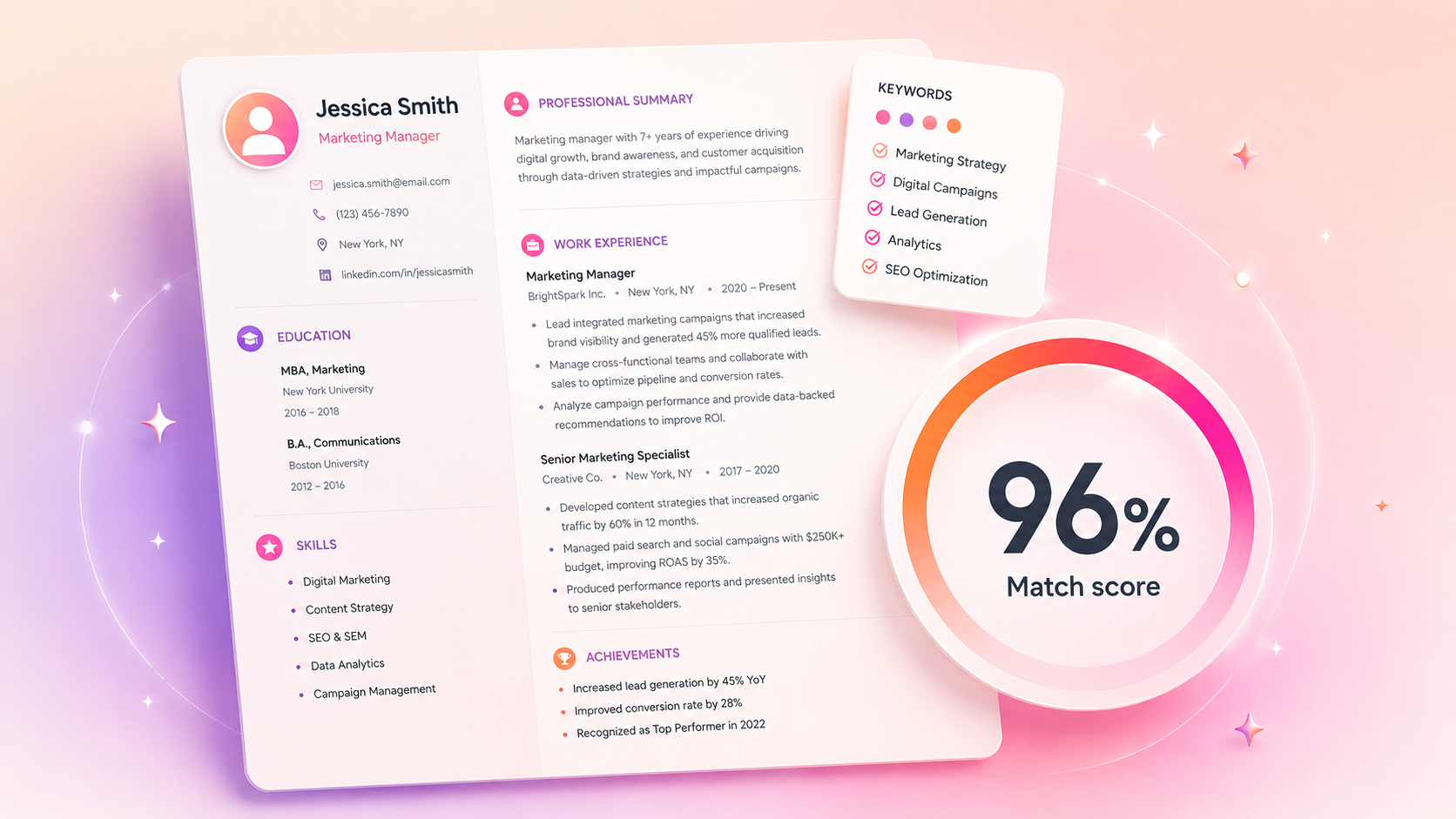
Keyword match
Job description keywords
Use the employer's language when it truthfully matches your experience.
Want your resume matched to the job in under 60 seconds?
Upload your resume, paste the job description, and ResumeShine tailors it with role-specific keywords — without inventing experience.
5. Put keywords in the right places
Resume keywords matter, but location matters too. Do not dump all keywords into a giant skills list and call it done. Use keywords naturally in your professional summary, skills section, work experience bullets, project descriptions, certifications, and tools section.
Professional summary · Weak
Experienced marketing professional seeking a challenging opportunity.
Professional summary · Better
Marketing manager with 6+ years of experience leading B2B campaigns, cross-functional projects, KPI reporting, and lead generation strategy.
For the skills section, group by type so it stays scannable:
- Marketing: Campaign Strategy, Lifecycle Marketing, Lead Generation
- Analytics: KPI Reporting, Dashboarding, Conversion Analysis
- Tools: HubSpot, Google Analytics, Salesforce, Excel
- Collaboration: Project Management, Stakeholder Communication, Cross-functional Teams
Keywords should appear where they make sense, not stuffed into one block.
6. Write bullets that prove impact
ATS keywords can help your resume get found. Impact bullets help you get interviews.
A strong bullet usually includes an action, a skill or responsibility, context, and a result. The formula: Did [action] using [skill/tool] to achieve [result].
Weak → Better
Worked on customer emails. → Created segmented customer email campaigns that increased click-through rate by 18% and improved trial-to-paid conversion.
Managed projects. → Managed project timelines, stakeholder updates, and launch checklists for 12 cross-functional campaigns delivered on schedule.
Made reports. → Built KPI dashboards that gave leadership weekly visibility into campaign performance, pipeline influence, and budget efficiency.
Not every bullet needs a number, but measurable outcomes help. If you do not have exact metrics, use scope: team size, budget, number of projects, frequency, volume, tools used, stakeholders supported, time saved, or a process improved.
Final bullet
Led cross-functional campaign planning for 12 product launches, delivering projects on schedule and improving reporting visibility for leadership.
7. Avoid formatting that breaks parsing
Some resume designs look nice but cause problems when the ATS tries to read them. Be careful with tables, text boxes, multiple columns, headers and footers, icons used as labels, images containing important text, unusual fonts, overlapping elements, complex graphics, skill bars, star ratings, scanned PDFs, and heavy design templates.
The safest approach is a clean single-column layout. Two-column resumes can work in some systems, but they are riskier. If you use one, make sure the reading order still makes sense when copied as plain text.
Formatting risk levels
Low risk
Single column · Standard headings · Text-based bullets
Medium risk
Two columns · Light icons · Custom spacing
High risk
Tables · Text boxes · Images · Skill bars · Scanned PDFs
Test your resume
- Open your resume and select all text.
- Copy it.
- Paste it into a plain text editor.
- Check whether the content appears in a logical order.
If the sections are scrambled, the ATS may struggle too.
8. Choose the right file type
Always follow the job posting instructions first. If the application asks for a specific file type, use that file type. If it gives options, PDF or DOCX are usually the safest choices.
A PDF preserves layout and is easy to share. Many modern ATS systems can parse PDFs well, especially if the PDF is text-based and not scanned. Use PDF when the system allows it, your formatting matters, the PDF text can be selected and copied, and the posting does not request DOCX.
DOCX
A DOCX file can be easier for some systems to parse and easier for recruiters to edit or annotate. Use DOCX when the employer requests it, the system seems older, the portal warns about PDF parsing, or a recruiter asks for a Word document.
Avoid image files, scanned documents, or PDFs where the text cannot be selected.
File types at a glance
9. Check your resume before applying
Before sending your resume, run a quick ATS-friendly checklist.
ATS resume checklist
- Contact info is text-based, not inside an image
- Job titles are clear and standard
- Section headings are simple
- Skills match the job description where truthful
- Bullets include relevant keywords
- Bullets also show measurable impact
- Dates and company names are easy to read
- Nothing important in headers, footers, or text boxes
- File type matches the employer's instructions
- Text copies cleanly into a plain text editor
- No fake keywords or exaggerated claims
- The resume is tailored to this specific role
Ready to apply? Your resume should be clear to software and compelling to humans. Want this done for you? Shine My Resume →
10. Common ATS mistakes to avoid
Mistake 1: Keyword stuffing
Adding a giant block of keywords does not make your resume stronger. It can make it look spammy. Use keywords naturally in context.
Mistake 2: Hiding keywords
Do not hide keywords in white text, tiny text, or invisible formatting. It is dishonest and can hurt your credibility.
Mistake 3: Using vague job titles
If your internal title was unusual, clarify it. Example: "Growth Lead — Marketing Manager equivalent focused on lifecycle campaigns and lead generation."
Mistake 4: Leaving out obvious tools
If a job requires Salesforce and you have used Salesforce, include it. Do not assume the recruiter will infer it from your responsibilities.
Mistake 5: Making the resume too designed
A resume is not a poster. Design should support clarity, not fight it.
Mistake 6: Forgetting the human reader
ATS optimization gets your resume into consideration. Strong writing gets you the interview. The resume still needs to tell a clear story.
Mistake
- Generic resume
- Keyword stuffing
- Complex formatting
- Vague bullets
Fix
- Tailor to role
- Use keywords naturally
- Keep structure clean
- Show measurable impact
Key takeaways
An ATS-friendly resume is not about gaming the system. It is about clarity.
The ATS should be able to read your resume. The recruiter should be able to understand your value. The hiring manager should be able to see why your experience fits the role. The best resume is simple enough for software, specific enough for recruiters, and strong enough to earn a conversation.
Pair it with a short, specific cover letter and a focused job search to turn more applications into interviews.
ATS-friendly means clear, relevant, and truthful.Use clean formatting, match the job description honestly, and show impact with real examples.
Frequently asked questions
ATS-friendly means your resume is formatted and written so applicant tracking systems can read it clearly. It uses simple structure, standard headings, text-based content, and relevant keywords from the job description.
A clean single-column format is usually safest. Use standard headings, simple bullet points, readable fonts, and avoid tables, text boxes, images, and overly complex design elements.
Follow the employer's instructions first. If no file type is specified, a clean text-based PDF or DOCX is usually safe. Avoid scanned PDFs or image files because the text may not parse correctly.
There is no magic number. Focus on the most important skills, tools, responsibilities, and qualifications from the job description that truthfully match your experience. Use them naturally in your summary, skills, and experience bullets.
Sometimes, but it can be riskier. Some ATS systems may read columns in the wrong order. If you use a two-column format, test it by copying the resume into a plain text editor and checking whether the content still flows correctly.
Some systems help filter, search, or rank applicants, but companies use them differently. The safest strategy is to make your resume easy to parse, keyword-aligned, and strong enough for a recruiter to understand quickly.
No. Do not hide keywords or use tricks to manipulate the system. It is dishonest and can damage your credibility if discovered.